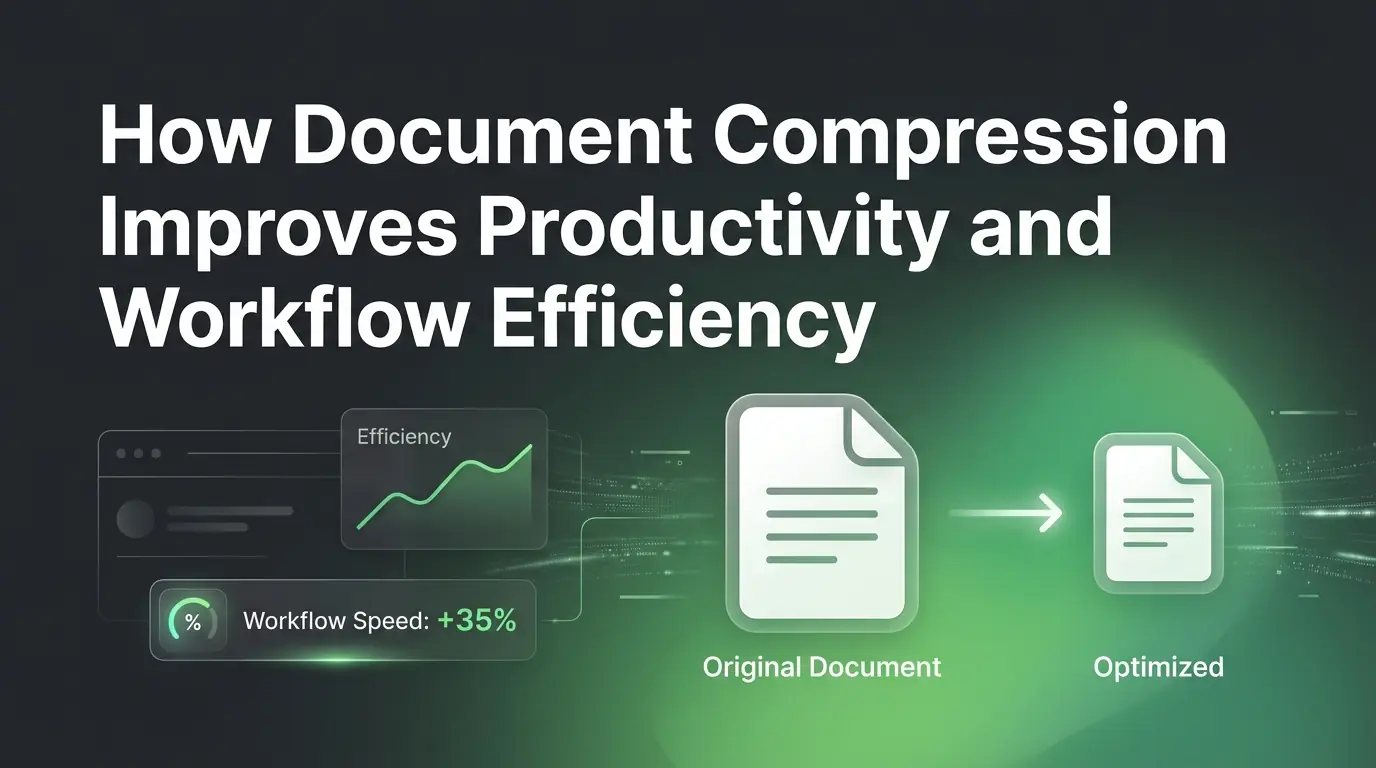
How Document Compression Improves Productivity and Workflow Efficiency
Learn how using a document compressor boosts your daily productivity. Squeeze file sizes, speed up cloud sharing, and build a faster, better digital workflow.
Introduction
Think about your average workday. You spend hours writing a great business proposal, adding high-quality graphics, and checking every detail. Your project looks perfect. But when you hit the send button, everything stops. A little red warning pops up on your screen. Your file is too large to email.
Digital documents are the absolute center of modern work. We use them for everything from team project updates to school assignments. Yet, heavy files constantly create annoying roadblocks. They clog up your email inbox, take forever to sync to the cloud, and slow down your team. Squeezing those massive files makes life easier for everyone. In this helpful guide, you will discover how simple file reduction can save you time, clear out digital clutter, and supercharge your daily routine.
What Is Document Compression?
Definition of Document Compression
At its core, compression means shrinking the total digital size of a file while keeping its content usable. It lets you turn a bulky, unmanageable file into a lean, fast-loading document that looks identical to the original version.
How Compression Works
Special software achieves this by hunting down hidden digital bloat. It optimizes pixel-heavy images, removes unnecessary formatting code, and reorganizes how data sits inside the file structure. You get a much smaller file footprint without losing any text or important layouts.
Types of Documents That Can Be Compressed
Almost any document you use today can shrink down significantly. This includes everyday PDF files, standard Microsoft Word documents, and heavy PowerPoint presentations. Rich Excel spreadsheets and scanned office pages also benefit greatly from a quick size reduction.
Why Large Documents Hurt Productivity
Slow Upload and Download Times
Waiting for a massive report to upload to the cloud ruins your concentration. It forces you to pause your work, which breaks your natural creative momentum and wastes valuable hours.
Email Attachment Limitations
Most popular email platforms block any file that goes over twenty-five megabytes. When a file gets blocked, your communication stops completely until you find an alternate way to share it.
Delayed Team Collaboration
If your coworkers have to wait several minutes just to open a file you shared, your entire project drops into low gear. Feedback loops take hours instead of minutes.
Increased Storage Requirements
Bulky files quickly fill up your local hard drive and exhaust your company cloud storage limits. This forces you to spend money upgrading your data plans constantly.
Difficulty Accessing Files on Mobile Devices
Opening a heavy presentation on a smartphone using a cellular network is often painful. The file might cause your phone to freeze, loop endlessly, or fail to open entirely.
Real-World Example
Imagine two virtual assistants trying to deliver a weekly report to a client. The first assistant attaches a raw, sixty-megabyte PDF file to an email. The system rejects it, forcing them to upload it to a separate link and email the link later. The client receives it late and struggles to download it on their iPad. The second assistant uses a fast online document compressor to shrink their file to two megabytes. They send it straight through email, the client opens it instantly on the go, and signs off on the project within seconds.
Key Productivity Benefits of Document Compression
Faster File Sharing
Email Attachments
When your documents are lightweight, they fly through email systems instantly. Recipients get your messages immediately, ensuring your conversations stay quick and active.
Cloud Storage Platforms
Small files sync with online folders in the blink of an eye. You will never have to stare at a slow-moving progress bar when uploading your files to the web.
Team Collaboration Tools
Modern chat platforms thrive on quick file sharing. Squeezing your documents ensures your coworkers can preview your work right inside the chat window without delays.
Reduced Waiting Time
Faster Access to Files
Opening a squeezed document takes less than a second. This instant access keeps you in your workflow groove and keeps your mind focused on the actual task.
Quicker Transfers Between Devices
Moving compact files from your laptop to a flash drive or a tablet takes no time at all. This makes shifting between devices completely painless.
Improved Remote Work Experience
When you work away from a traditional office, speed matters. Squeezing your documents makes your digital day feel smooth, responsive, and entirely stress-free.
Better Organization
Easier File Management
Small files are vastly easier to manage, move, and store. They do not lag your file explorer software when you browse through old project folders.
Reduced Storage Clutter
Keeping your files lean helps prevent your drives from reaching maximum capacity. It keeps your digital workspace feeling clean and light.
Improved Search and Retrieval
Computers index and search through smaller files much faster. You can find old reports quickly when you are rushing to meet a deadline.
How Compression Improves Workflow Efficiency
Streamlined Collaboration
Faster Document Reviews
When file sizes are small, your team can open, read, and critique drafts effortlessly. This eliminates the sluggish delays that usually stall group reviews.
Easier Team Communication
Sharing quick updates keeps everyone on the exact same page. A lightweight document ensures nobody misses a critical update due to a failed download.
Reduced Version Control Problems
Because small files upload so fast, team members always work on the most recent version. This stops people from making edits to outdated documents.
Improved Project Management
Faster File Distribution
Project managers can blast out guides and instructions to dozens of people at once. Everyone gets the data they need to start working right away.
Better Information Flow
Information moves smoothly across departments when files do not get stuck in digital bottlenecks. This keeps your entire company operating like a well-oiled machine.
Reduced Administrative Delays
You will spend less time troubleshooting attachment errors and more time hit your targets. This removes minor tech headaches from your daily schedule.
Enhanced Client Communication
Quicker Document Delivery
Clients love speed. Delivering your proposals, contracts, and portfolios without delay shows that you respect their time and handle business efficiently.
Improved Professionalism
Sending a file that opens instantly on a client's phone makes you look incredibly sharp. It shows you know how to handle modern digital tools properly.
Better Customer Experience
A smooth, fast file transfer creates a pleasant experience for your buyers. It removes friction from the buying process, which builds long-term trust.
Benefits for Different Types of Users
Businesses
- Squeezes down operational costs by lowering expensive cloud storage subscription fees.
- Accelerates internal document classification systems and automated archiving routines.
- Protects company network bandwidth from getting choked by massive data transfers.
- Keeps employee output high by removing technical roadblocks during large file shares.
Students
- Submits final assignments to school portals instantly without missing tight midnight deadlines.
- Saves precious space on cheaper laptops and tablets used for daily learning.
- Allows quick access to textbooks and lecture slides while sitting in weak Wi-Fi zones.
Freelancers
- Delivers final creative projects to clients rapidly to ensure on-time invoice payments.
- Makes sharing large design portfolios with prospective buyers effortless and fast.
- Streamlines daily administrative work so they can focus on earning more income.
Remote Teams
- Ensures team members with slower home internet setups can stay competitive and connected.
- Powers smooth real-time document editing sessions across different time zones.
- Drastically reduces connectivity errors during large group project syncs.
Document Compression and Cloud Storage
Why Storage Efficiency Matters
Digital storage seems limitless until you get a bill or a warning that your account is full. Managing your file sizes proactively is the smartest way to keep your cloud workspace running smoothly without costing a fortune.
Reducing Cloud Storage Costs
By using a reliable tool on multicompressor.com, you can cut your average document size by half or more. This simple step delays the need to purchase pricey storage upgrades.
Faster Synchronization Across Devices
When you edit a document on your desktop, a small file mirrors to your phone instantly. This fast syncing keeps you agile when you step away from your desk.
Improved Backup Performance
System backups run much faster when they do not have to process gigabytes of unnecessary data. This ensures your data backups complete successfully every single evening.
How Compression Supports Remote Work
Working from home or a local coffee shop often means dealing with unpredictable internet speeds. Heavy files turn simple tasks into frustrating waiting games. By compressing your documents, you can participate fully in your team workflows even if your connection is slow.
It lets you download a fresh document converter utility, open a report, or send over a signed contract using basic mobile hotspots. This digital flexibility allows you to stay productive from anywhere in the world without hunting for premium office internet.
Common Workplace Scenarios Where Compression Helps
| Workplace Scenario | The Problem | The Compression Benefit |
|---|---|---|
| Sharing Large Reports | Graphics block email delivery | Shrinks the file size for instant email attachments |
| Sending Contracts | Slow downloads look unprofessional | Opens instantly on client smartphones for quick signing |
| Government Portals | Strict file size limits cause rejections | Squeezes files to fit under rigid portal caps easily |
| Project Documentation | Massive folders slow down backups | Cuts folder sizes to speed up daily cloud syncs |
| Archiving Business Records | Decades of files exhaust drive space | Packs thousands of records into minimal digital space |
Best Practices for Efficient Document Management
- Always run large files through a document compressor before sharing them with outside clients.
- Scale down your images and graphics to standard screen resolution before pasting them into your pages.
- Always keep your uncompressed editable originals safely tucked away in a master backup folder.
- Name your compressed files clearly so you can identify them instantly later on.
- Review your project folders every month to find and shrink old heavy files.
Common Mistakes to Avoid
The most frequent blunder is over-compressing a file to the point where text becomes blurry and images pixelate. You must balance size reduction with readability. Another mistake is ignoring your layout formatting; always review your document after running it through a tool to ensure everything sits where it belongs.
Never compress an already compressed file multiple times because this can corrupt the file data. Also, avoid hoarding endless duplicate copies of the exact same document across your hard drive. Finally, do not neglect basic organization, or you will lose your files in a messy digital maze.
Measuring Productivity Gains from Compression
You can easily track the benefits of file compression in your daily work life. Notice how you no longer waste ten minutes waiting for an upload bar to finish. Look at your cloud storage dashboard and see how much free space you salvaged.
Your teammates will respond to your shared drafts faster because they can open them with one click. Your overall workflow speeds up, allowing you to hit your daily goals earlier. Best of all, your tech frustration drops to zero, making your digital workday a pleasant experience.
Frequently Asked Questions
1. Does document compression affect document quality?
It can if you use settings that are too aggressive. However, a good compression tool removes hidden file data bloat and optimizes images without making your text blurry or altering your layout design.
2. How much can document size typically be reduced?
Many documents can shrink by fifty to eighty percent. The total reduction depends heavily on how many high-resolution photos and embedded objects live inside the original file.
3. Which document types benefit most from compression?
PDF files and presentation slides usually see the biggest size drops. This is because they often hold heavy image files, large custom fonts, and intricate layout charts.
4. Can compressed documents still be edited?
Yes, they function exactly like normal files. You can open them in your favorite word processor or editor and update the content just like you did before.
5. Is document compression useful for small businesses?
It is incredibly useful. It saves small business owners money on cloud storage fees, speeds up client communication, and helps small teams work efficiently without complex IT setups.
6. Does compression help cloud storage performance?
Yes, smaller files sync across your devices much faster, lower your data bandwidth usage, and ensure your automated system backups complete without errors.
Quick Productivity Checklist
- Compress documents before sharing
- Optimize images and embedded content
- Use cloud-friendly file sizes
- Maintain organized document storage
- Keep editable originals
- Review document workflows regularly
Conclusion
At the end of the day, document compression is not just a clever technical trick. It is a fundamental tool for building a fast, modern digital workflow. By taking a few extra seconds to run your heavy files through a document compressor, you eliminate email rejections, erase boring waiting times, and cut down your monthly storage costs.
Whether you are running a growing business, studying for exams, or freelancing from a laptop, keeping your files lean makes you an efficient digital professional. Make small file management a daily habit, and enjoy a faster, smoother, and more productive workday.
Related Articles
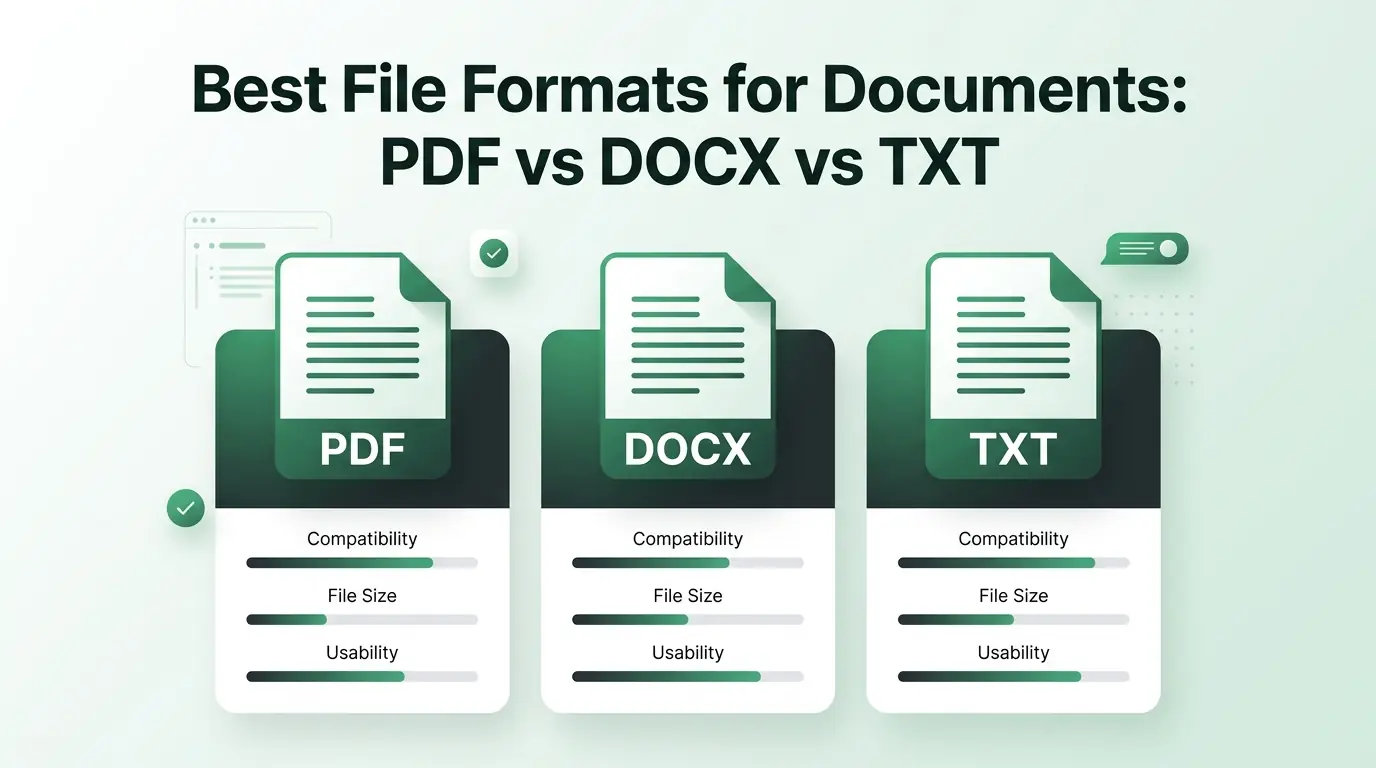
Best File Formats for Documents: PDF vs DOCX vs TXT
Choose the best file formats for documents. Learn when to use PDF, DOCX, or TXT, and how a document compressor keeps your files small and easy to share.
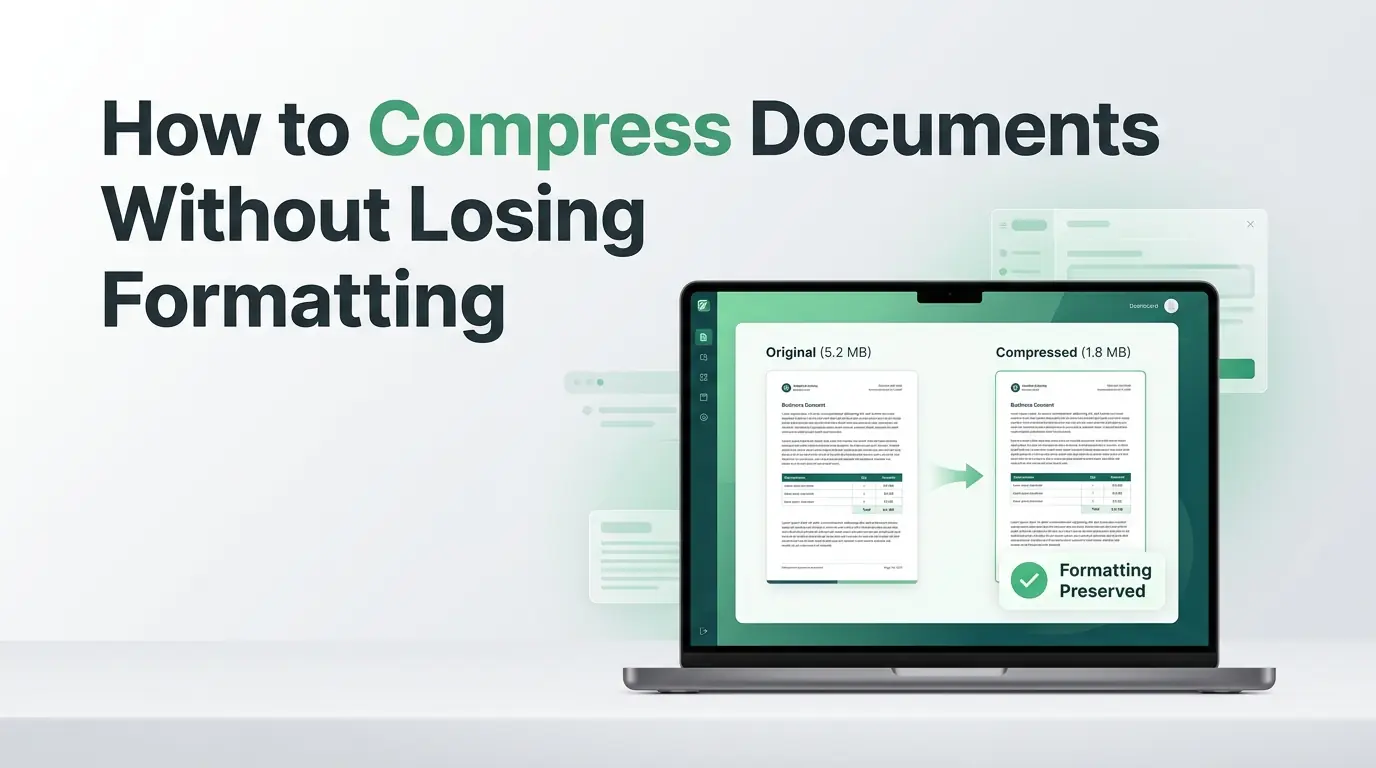
How to Compress Documents Without Losing Formatting
Are large document files messing up your emails? Learn how to shrink file sizes using a reliable document compressor without breaking your layout.
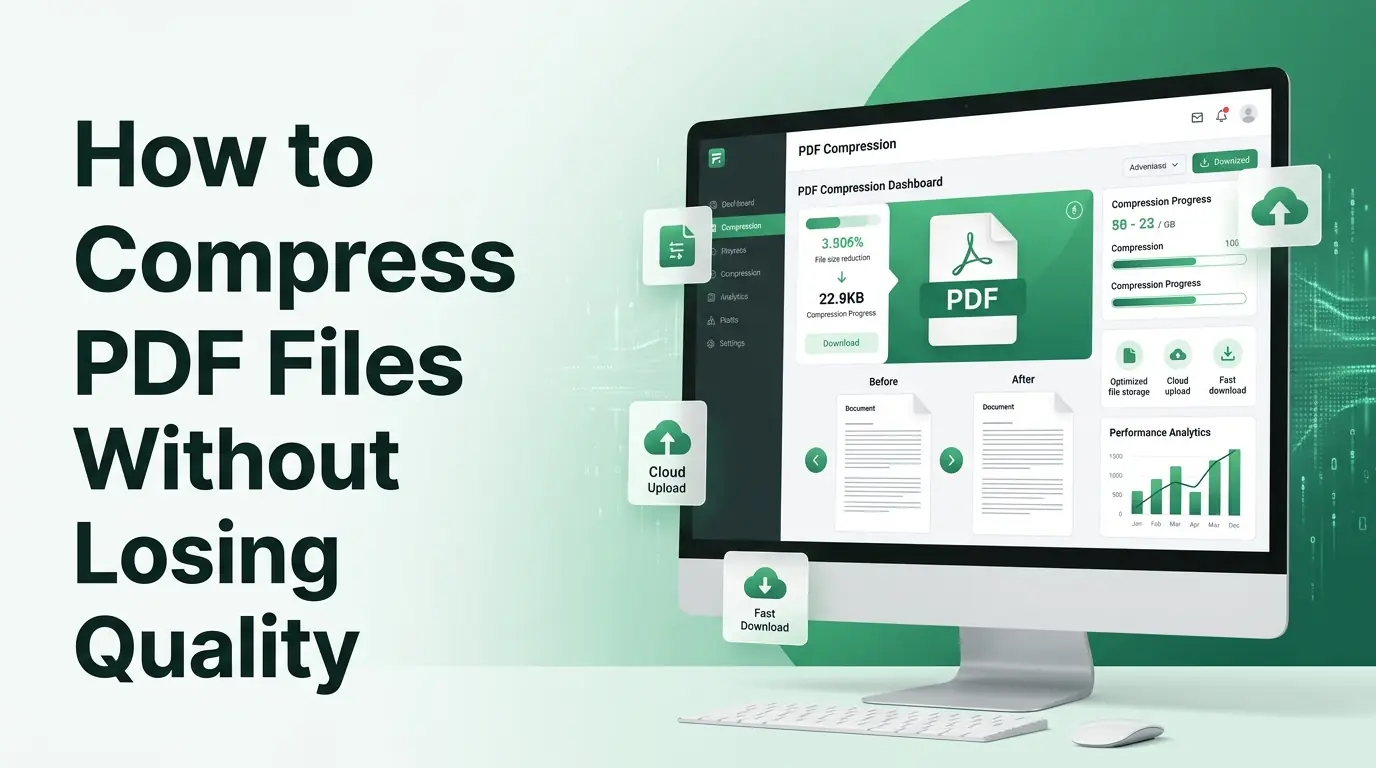
How to Compress PDF Files Without Losing Quality
Are large documents blocking your emails? Discover why PDF compress matters and how our free PDF compressor reduces file size without losing quality.