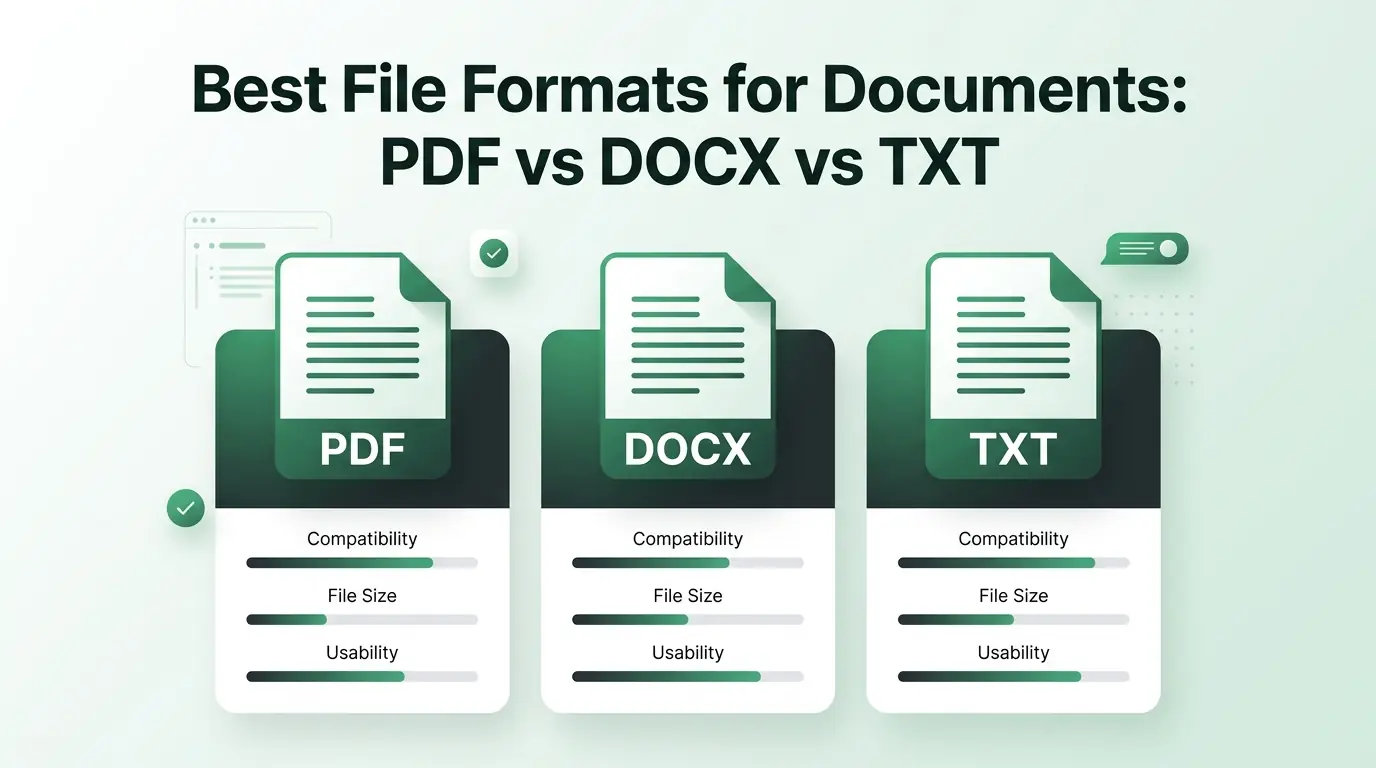
Best File Formats for Documents: PDF vs DOCX vs TXT
Choose the best file formats for documents. Learn when to use PDF, DOCX, or TXT, and how a document compressor keeps your files small and easy to share.
Introduction
Have you ever opened a document on your phone only to find that the text is scrambled, the images are overlapping, and the layout looks like a total mess? We have all been there. Choosing the wrong document format can ruin your hard work in a second. It slows down your work, confuses your clients, and takes up too much storage space on your hard drive.
The way you save your files impacts how easily you can share, edit, and print them. If you pick the right format, your files open perfectly on any device. If you pick the wrong one, your recipient might not be able to read it at all. In this guide, you will learn the exact differences between the three most popular file choices so you can always pick the best option for your goals.
Understanding Document File Formats
What Is a Document File Format?
A document file format is a specific way that a computer organizes and stores information. Think of it like a digital storage box. Some boxes are built to hold raw words, while other boxes have special slots to hold colors, fonts, images, and digital signatures. The format tells your software exactly how to display everything on your screen.
Why Different Formats Exist
We need different options because we do different tasks every day. Sometimes you need to change a paragraph quickly, which requires an editable format. Other times you need to lock a file so no one can alter your words. You might also want a tiny file that sends over email instantly. Different formats exist to solve these specific problems.
Overview of the Three Most Common Document Formats
PDF (Portable Document Format)
Adobe created the PDF to act like digital paper. Its main job is to keep your text and design exactly the same, no matter who opens it. Whether someone uses an old smartphone or a brand new computer, a PDF looks identical everywhere.
DOCX (Microsoft Word Document)
DOCX is the default choice for writing and editing. It is the modern version of the old DOC format. It allows you to build complex layouts, type up reports, and change your content as often as you want.
TXT (Plain Text File)
TXT is the simplest option available. It strips away all styling, images, and margins. It only saves the bare letters and numbers that you type on your keyboard.
PDF Format Explained
Advantages of PDF
The biggest benefit of a PDF is its reliability. It locks your formatting in place so your fonts and margins never shift. It looks highly professional and gives you excellent security options, like password protection. Plus, PDFs are completely print-ready, meaning the page prints exactly as it looks on your screen.
Disadvantages of PDF
The main downside is that PDFs are hard to modify. You cannot just click on a sentence and start typing changes without special software. They can also become quite bulky if you add a lot of high-resolution images to the pages.
Best Uses for PDF
- Digital contracts and legal agreements
- Official business reports
- E-books and digital menus
- Invoices and receipts
- Government application forms
DOCX Format Explained
Advantages of DOCX
DOCX files excel at flexibility. Anyone with a word processor can open the file and start typing. It offers rich formatting tools, meaning you can easily change colors, add headers, and insert tables. It also has incredible tracking features so teams can leave comments on the same project.
Disadvantages of DOCX
The trouble starts when you open a DOCX file in a different software program than the creator used. Your fonts might swap out, pictures might move, and pages can shift out of order.
Best Uses for DOCX
- Initial drafts of articles and essays
- Group projects and team editing
- Academic papers and lesson plans
- Business proposals that need reviews
TXT Format Explained
Advantages of TXT
TXT files are incredibly fast. They open instantly on any device in the world, from an old laptop to a smart TV. Because they hold zero design data, they use almost no storage space on your hard drive.
Disadvantages of TXT
You cannot make words bold, italicize a title, or change font sizes. You also cannot include images, graphs, or interactive links.
Best Uses for TXT
- Quick daily notes and reminders
- Writing computer code and scripts
- Storing raw textual data
- Keeping simple text archives
PDF vs DOCX vs TXT: Detailed Comparison
File Size Comparison
TXT files win the size battle easily since they are tiny. DOCX files are medium-sized because they carry extra code for layouts and fonts. PDF files are usually the largest because they embed entire font packages and high-quality visuals into the file structure.
Editing Flexibility
DOCX is the king of editing. You can rewrite everything instantly. PDF requires heavy editing software to change a single word. TXT is editable, but you cannot add any structure to your updates.
Formatting Support
PDF keeps your formatting safe and perfect. DOCX gives you the tools to create great formatting, but it can break during sharing. TXT offers absolutely zero formatting support.
Compatibility Across Devices
PDF and TXT work everywhere without any changes. DOCX files require specific apps like Microsoft Word or Google Docs, and they can look different on mobile screens compared to desktop monitors.
Security Features
PDF is the most secure format because you can restrict printing, copying, or editing. DOCX files can be password-protected, but they are easy to alter once opened. TXT files have no built-in security features at all.
Printing Quality
PDF gives you perfect printing results every time. DOCX files can print poorly if your margins shift. TXT files print as a raw wall of text without any beautiful spacing.
Long-Term Storage
PDF is the global standard for archiving because the file will look the same decades from now. TXT is also great for archiving words because it never goes out of style. DOCX is less ideal because future software updates might change how old files display.
Comparison Table
| Feature | DOCX | TXT | |
|---|---|---|---|
| File Size | Large | Medium | Very Small |
| Editing Support | Difficult | Very Easy | Easy |
| Formatting | Perfect & Locked | Rich & Changeable | None |
| Image Support | High Quality | Supported | No Images |
| Security Options | Strong Passwords | Basic Protection | None |
| Device Match | Identical Everywhere | Can Shift Layouts | Universal |
| Printing Quality | Excellent | Variable | Basic Text |
| Business Use | Best for Finals | Best for Drafts | Notes Only |
Which Format Is Best for Different Situations?
For everyday business documents, you want to use PDF for your final client deliveries and DOCX for your inner-office work. Student assignments usually require DOCX so teachers can add grades and notes directly into the paragraphs. Legal documents demand PDF because you cannot risk someone altering the terms of a contract after you sign it.
When your team needs to collaborate on a weekly guide or a list of file formats, DOCX is the best route. For website downloads, stick to PDF so your visitors get a beautiful, clean download. Long-term archiving works best with PDF or TXT because these formats stay stable for years. Finally, for email attachments, use PDF so your recipient sees a polished presentation, but remember to watch your file size.
How File Formats Affect Compression
Why Some Formats Compress Better Than Others
Every file format stores data differently. A format that includes images and hidden layout coding has a lot of extra digital weight. Compression tools work by finding patterns in that code and shrinking them down without destroying the actual content.
PDF Compression
PDFs often pack a lot of heavy data into one place. If you have a massive PDF full of business graphics, you can use a digital tool like a document compressor to shrink it. This process trims away hidden data bloat, making the file easy to email on sites like multicompressor.com.
DOCX Compression
DOCX files are actually zipped packages of text and XML code. They compress fairly well if they contain large images. You can squeeze them down significantly by compressing those internal images down to a web-friendly resolution.
TXT Compression
TXT files cannot really be compressed any further. They are already at the absolute minimum size because they contain nothing but raw text. Running a plain text file through a compressor will not save you any meaningful space.
Tips for Reducing Document Size
- Always scale down your images before pasting them into your files.
- Remove old layout versions and hidden formatting layers that you do not use anymore.
- Use a web-based document compressor to safely shrink your files before hitting the send button.
Common Mistakes When Choosing Document Formats
The most frequent error is sending an editable DOCX file when you really should send a locked PDF. This lets clients accidentally change pricing or text. Another big mistake is using a TXT file when you need to present structured information with headlines and bold text.
Many people completely ignore compatibility requirements, assuming everyone owns the exact same word processor. Sending giant DOCX or PDF attachments can clog up an email inbox and frustrate your team. Lastly, failing to consider long-term accessibility can leave you with unreadable files in ten years.
Best Practices for Document Management
Always keep a working, editable version of your file in DOCX format so you can make updates later. Once you finish your final edits, export a clean copy as a PDF to share with the world. Use TXT for your rapid, everyday thoughts to save space. Make it a habit to compress large documents before sending them to keep communication fast, and always maintain extra backup copies in a secure cloud drive.
Frequently Asked Questions
1. Which document format is best overall?
No single format wins the crown. PDF is the best choice for sharing final pieces, DOCX rules for editing text, and TXT is ideal for quick note-taking.
2. Is PDF better than DOCX?
PDF is better if you want your design to look identical on every screen. DOCX is superior if you need to rewrite paragraphs or work with teammates.
3. Why are TXT files so small?
They are small because they do not save any font styles, colors, margins, or images. They only store the raw characters you type.
4. Which format is best for email attachments?
PDF is usually best because it looks professional. Just ensure you check the size and use a document compressor if the file is too heavy.
5. Can PDF files be edited?
Yes, but you need special PDF editing software. It is much easier to edit a DOCX file and then save it as a PDF afterward.
6. Which format is best for archiving documents?
PDF is the global standard for official archiving because it preserves the exact look of your document for decades without changing.
Quick Format Selection Guide
Choose PDF If:
- You need your fonts and margins to stay locked in place.
- You are sending out a final version to a client or supervisor.
- You want the document to look perfect when printed on paper.
Choose DOCX If:
- You are still writing, editing, and brainstorming your ideas.
- Multiple people need to add comments and track changes together.
Choose TXT If:
- You are only saving basic words and numerical data.
- Keeping your file size as small as possible is your main goal.
Conclusion
At the end of the day, PDF, DOCX, and TXT all serve useful purposes in our daily digital lives. PDF keeps your files looking stunning and secure, DOCX gives you total freedom to write and edit, and TXT keeps things incredibly light and simple. No single choice fits every situation perfectly. By matching your specific goals to the right file type and using compression tools when your files get too heavy, you will keep your workflow smooth, professional, and efficient.
Related Articles
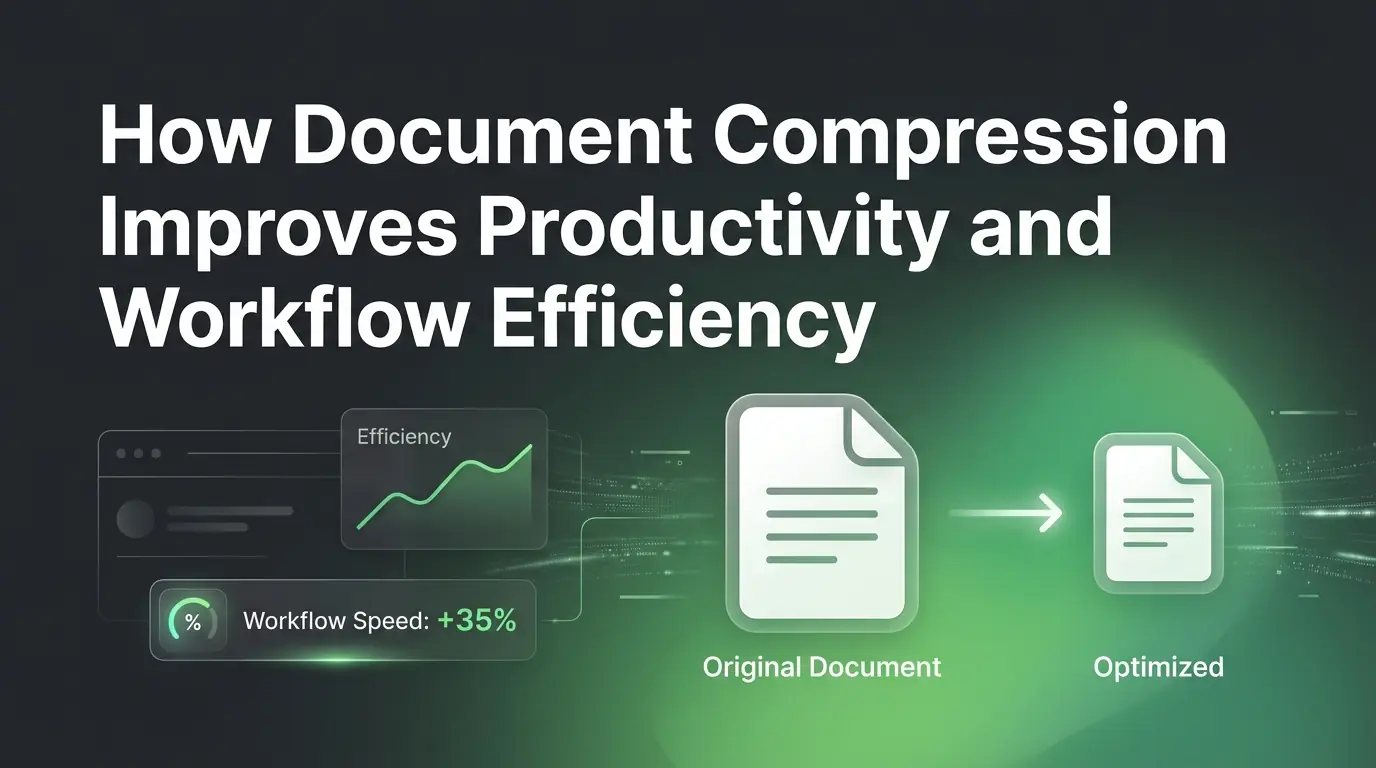
How Document Compression Improves Productivity and Workflow Efficiency
Learn how using a document compressor boosts your daily productivity. Squeeze file sizes, speed up cloud sharing, and build a faster, better digital workflow.
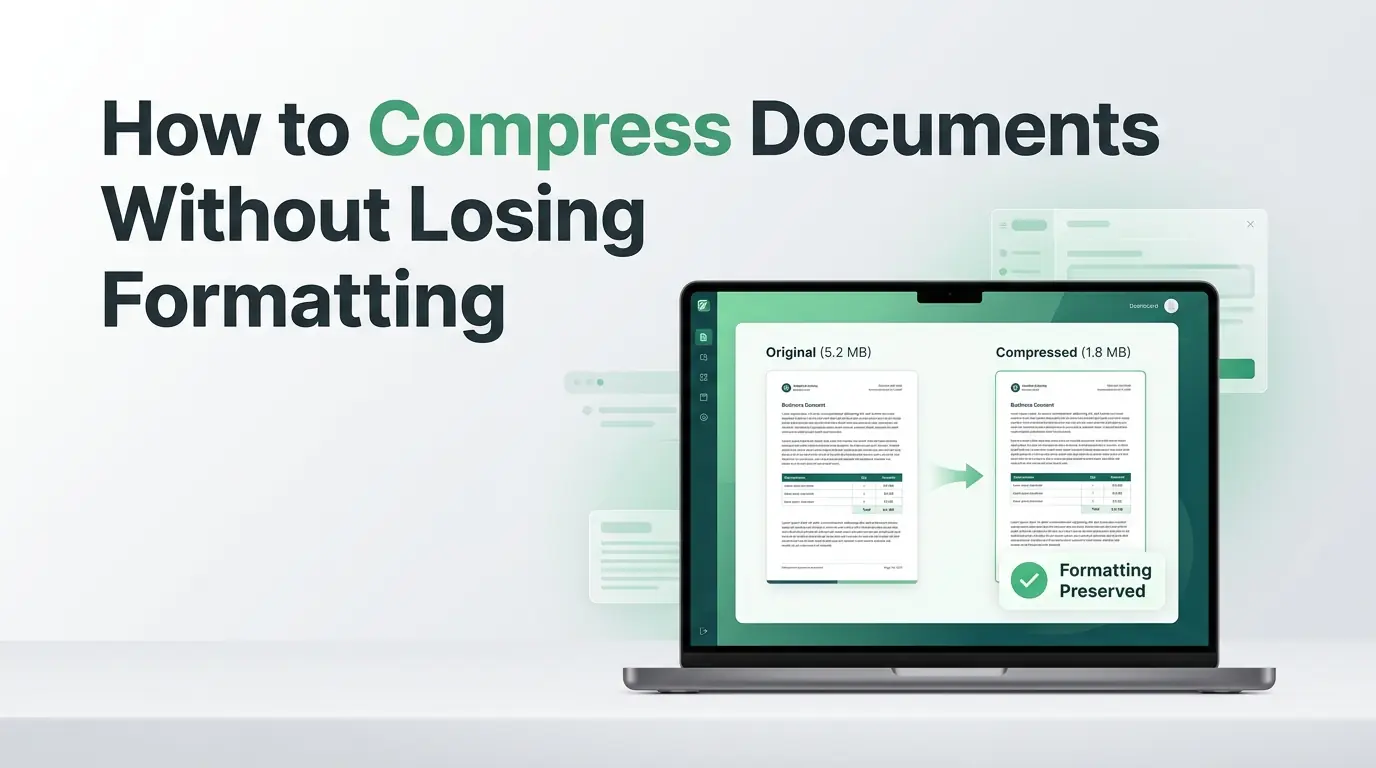
How to Compress Documents Without Losing Formatting
Are large document files messing up your emails? Learn how to shrink file sizes using a reliable document compressor without breaking your layout.
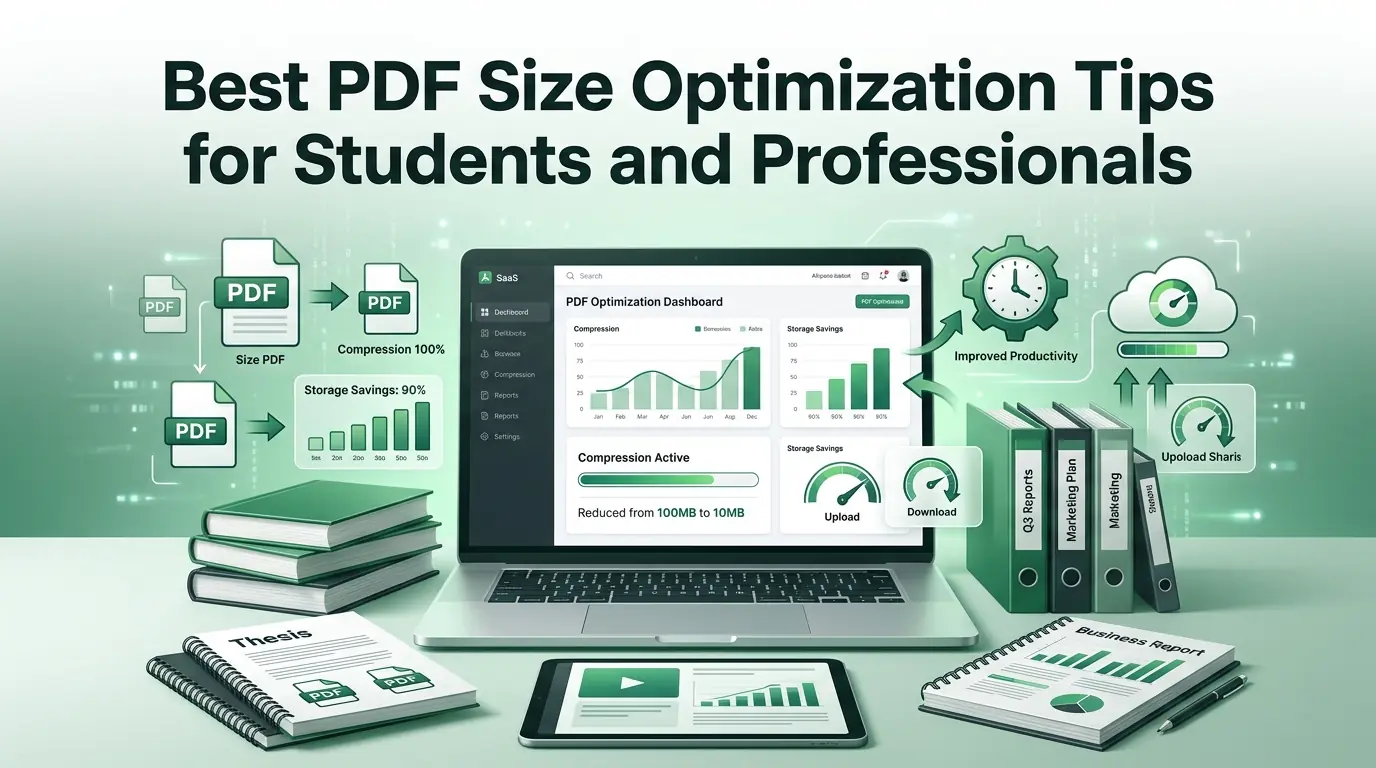
Best PDF Size Optimization Tips for Students and Professionals
Are large documents blocking your uploads? Discover why a PDF compressor is vital and learn how to optimize your files quickly at multicompressor.com.