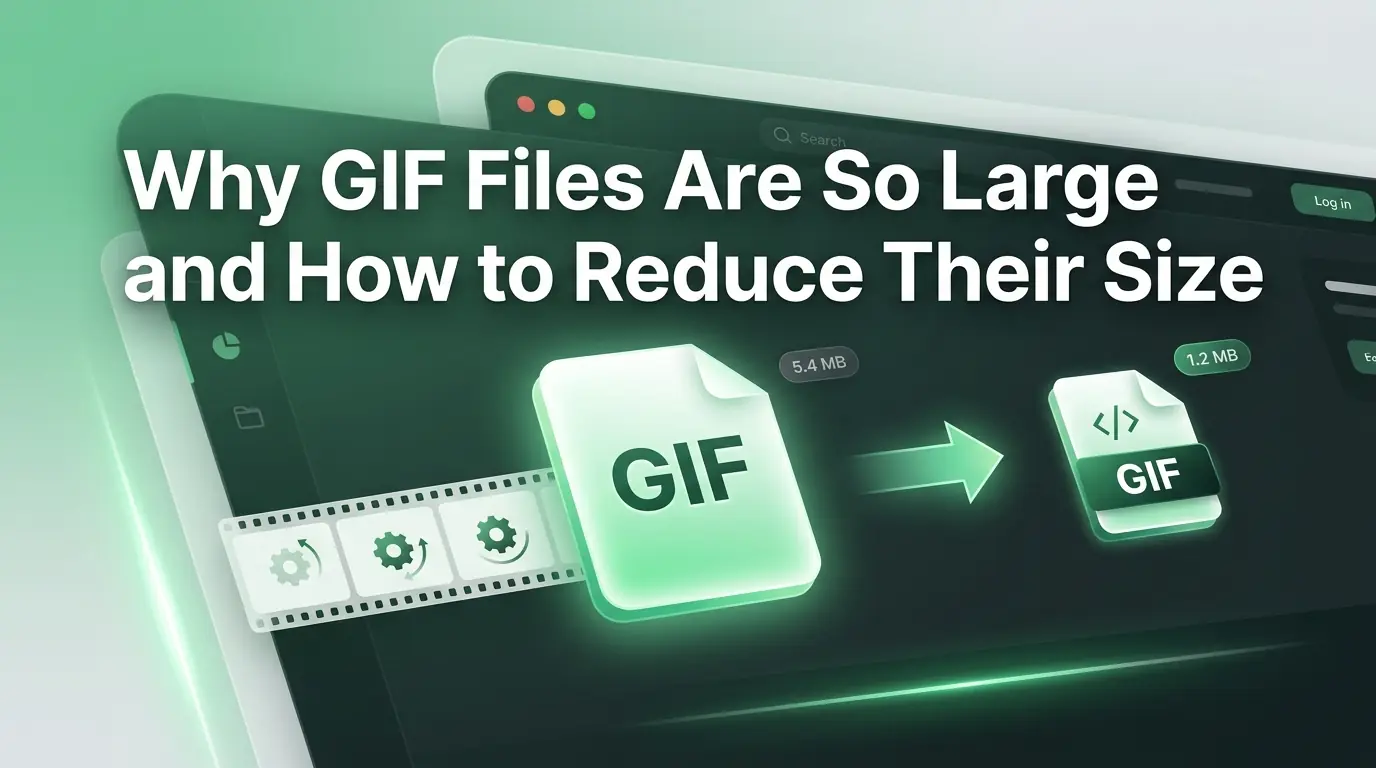
Why GIF Files Are So Large and How to Reduce Their Size
Is a heavy looping image slowing down your website? Learn why GIFs are so massive and use a free GIF compressor to shrink files without losing quality.
You are scrolling through your favorite social media platform or reading an engaging blog post when suddenly a hilarious looping animation catches your eye. It makes you smile, fits the topic perfectly, and keeps you glued to the page. Animated images are an incredible tool for online communication because they capture our attention faster than plain text or flat photos. Bloggers love using them to show quick tutorials, while business owners use them to showcase products in action. They bring a wonderful sense of life and emotion to the digital world.
However, there is a massive dark side to these popular moving pictures that many creators discover the hard way. You find the perfect looping file, upload it to your website homepage, and look forward to your audience enjoying it. Instead of a smooth experience, your entire website suddenly slows down to a painful crawl. Your pages take forever to load on mobile phones. Your visitors get tired of waiting and leave your site before the animation even starts playing.
This is a common and incredibly frustrating headache for website owners everywhere. Animated graphics are notoriously heavy, often weighing more than a short high-definition video file. This guide will explain exactly why these files are so dangerously large and how they drain your website speed. More importantly, we will show you how to use a reliable GIF Compressor to shrink your files instantly. You can easily keep your website running fast while keeping your animations looking crisp and beautiful.
The Secret History of the Animation Format
To truly understand why these files are so heavy, we have to take a quick trip back in time. The Graphics Interchange Format, which everyone calls a GIF, is actually an ancient piece of internet technology. A company named CompuServe created this format way back in the year 1987. To put that into perspective, this format was invented long before modern smartphones, high-speed fiber internet, or online video platforms even existed.
Back in 1987, the internet was incredibly slow, and computers could only display a tiny handful of colors. The creators designed the format to display simple, static logos and basic charts using very little data. They added a small feature that allowed multiple images to loop sequentially inside a single file, creating a simple animation. They never intended for people to use this format to clip out three-second chunks of modern high-definition movies or heavy video game recordings.
Because we are using forty-year-old technology to handle modern video needs, the system breaks down under the weight. The format simply lacks the smart shortcuts that modern video files use to stay lightweight. We love them because they play automatically in any browser without needing a video player, but we pay a massive price in file size for that convenience.
The Flipbook Nightmare inside Your Computer
The absolute biggest reason an animated graphic is so heavy comes down to how it stores visual movement. Think about an old-fashioned paper flipbook that you might have played with as a child. To create the illusion of a stick figure jumping, you had to draw thirty separate pages. Each page showed the stick figure in a slightly different position. When you flipped through the pages quickly with your thumb, your eyes perceived smooth movement.
An animated file works exactly like that paper flipbook inside your computer memory. It does not actually understand video data. Instead, it is literally a giant stack of individual images called frames tied together in a single file container. If you convert a five-second video clip into an animation, that clip might contain thirty frames per second. That means your single file is holding one hundred and fifty full-sized individual pictures.
Imagine trying to upload one hundred and fifty digital photos to a single blog post all at once. Your website would obviously struggle to load them all. When a browser opens an unoptimized animation, it has to download every single one of those hidden pictures before it can play smoothly. This frame-by-frame storage method creates a massive data footprint that quickly eats up your server storage and destroys your page speed.
The Serious Color Problem That Adds Heavy Weight
Beyond the frame-by-frame issue, these files also struggle heavily with how they handle colors. The format has a strict maximum limit of two hundred and fifty-six colors per file. Modern smartphone photos use millions of different colors to create smooth gradients, soft shadows, and realistic skin tones. When you turn a realistic video into an animation, the file has to do a massive amount of math to compress those millions of colors into a tiny palette of two hundred and fifty-six choices.
To make the animation look decent despite this strict color limit, the file uses a technical process called dithering. Dithering mixes pixels of different colors together in a speckled pattern to trick your eyes into seeing a color that is not actually there. For example, it might alternate red and blue pixels closely together to make you see a shade of purple.
While dithering makes the image look slightly better to your human eyes, it creates a total disaster for data size. Computer compression works best when it finds large areas of the exact same color, because it can simplify the code easily. When a file is filled with millions of tiny, alternating speckled pixels from dithering, the compression software gets totally confused. The code becomes highly complex, and the file weight balloons dramatically.
How Overweight Media Files Hurt Your Online Business
If you run a local business website or a popular lifestyle blog, every single megabyte of data on your server matters. Having large, unoptimized looping graphics scattered across your pages will actively hurt your financial success. The internet landscape is fiercely competitive, and modern consumers expect digital experiences to happen instantly.
When a user visits your online store to buy a product, they should not have to wait for heavy graphics to load. If your page takes longer than three seconds to appear on a mobile phone, the user will feel a flash of frustration. They will close your website and buy from a competitor instead. You lose hard-earned income and waste your marketing budget simply because your media files are too heavy for normal cell phone networks.
Slow loading times also ruin your relationship with major search engines. Google tracks user experience metrics very closely, and page speed is a massive factor in how they rank websites. If the Google algorithm detects that your website is slow and heavy due to oversized animations, it will penalize your search ranking. Your website will drop down to the bottom pages where nobody can find it.
Understanding Lossless Compression versus Lossy Tweaks
When you decide to fix your heavy media files, you will encounter two main approaches to data reduction. The first approach is called Lossless compression, which focuses on shrinking the file size without changing a single pixel of the visual image. It rewrites the internal computer code more efficiently, removing repetitive strings of data without touching the actual picture quality.
While Lossless compression is fantastic for text documents or important company spreadsheets, it usually does not provide a massive size reduction for heavy animations. Because the format is already so old and inefficient, lossless methods can usually only shrink the file by a tiny percentage. To get the massive reduction you need for a fast website, you have to use a lossy approach.
Lossy optimization intentionally alters or removes a tiny bit of visual data that your eyes will not easily notice. A smart optimizer will scan your animation and gently combine similar colors or remove subtle pixel details. It trims away the microscopic visual clutter. This safe process allows the file size to drop by fifty percent or even eighty percent, while the animation still looks completely wonderful to a casual viewer.
Core Benefits of Squeezing Your Animation Files
Taking a few quick moments to optimize your looping visuals before you publish them brings wonderful rewards to your daily digital workflow. It completely changes how your website performs and how your audience interacts with your content.
- Your web pages will load instantly on any mobile phone or weak public internet connection.
- You will save massive amounts of expensive monthly server storage and bandwidth fees.
- Your Google search engine rankings will naturally improve due to a faster user experience.
- Your social media posts and email newsletters will load smoothly without annoying glitching.
- Your computer hard drive will stay organized and free of heavy digital clutter.
- Your brand will look incredibly professional, sleek, and highly efficient to new clients.
Comparing GIF with Modern Visual Formats
To help you make the best decisions for your business website or personal blog, it is helpful to see how this older format compares to modern alternatives.
| Media Format | Best Everyday Use Case | Average File Size | Mobile Network Friendly |
|---|---|---|---|
| Standard GIF | Short social media reactions | Extremely Heavy | No |
| Optimized GIF | Website product demonstrations | Medium | Yes |
| WebP Image | Rich website photos and loops | Very Light | Yes |
| MP4 Video | Long form content and tutorials | Light | Yes |
As the table clearly demonstrates, an unoptimized standard animation is a massive data hog compared to modern options. However, when you run it through a quality optimizer, you can bring its weight down into a safe zone that works beautifully for internet browsers.
Introducing the Ultimate GIF Compressor Solution
You do not need to buy expensive photo editing software or go to school for sound and image engineering to fix your files. Managing your media should never be a stressful or time-consuming chore. We built our specialized GIF Compressor tool at multicompressor.com to solve this exact problem for beginners and busy creators.
Our online platform operates directly inside your favorite web browser without requiring any confusing software downloads or hidden installations. It uses highly advanced optimization algorithms to scan your animations, reduce the heavy pixel data safely, and output a lightweight file in just a few seconds. The tool balances size reduction and visual clarity perfectly so you can share your favorite loops with total confidence.
Best of all, our platform is completely free and highly secure. We understand that your private business graphics and creative projects are highly sensitive. Our system handles your data fully automatically, meaning no human being will ever look at your files. Shortly after you finish downloading your optimized animation, our secure servers permanently erase all your data to guarantee your total privacy.
Step-by-Step Guide to Squeezing Your Media
We believe that technology should always be simple, accessible, and friendly. Our web platform features a clean interface that allows you to optimize your media files in just four simple movements.
- Head directly to the homepage of multicompressor.com and locate the specialized GIF Compressor tool area.
- Drag your heavy animated file from your computer folder and drop it into the secure upload box.
- Choose your desired optimization level from the clean settings menu based on your personal website needs.
- Click the prominent compress button, wait a few short seconds for our servers to finish the processing, and download your fresh lightweight file.
Practical Tricks to Make Smaller Animations From Scratch
While using a dedicated online optimizer is the fastest way to shrink a file, you can also use a few smart design habits to keep your animation sizes low from the very beginning. Making small adjustments during your creative process will save you a lot of time later on.
First, think deeply about the overall physical dimensions of your animation. If your blog post layout is only six hundred pixels wide, do not upload an animation that is two thousand pixels wide. Sizing down the physical width and height of the image will instantly slice megabytes off the final file weight. Always match the media dimensions to the actual space it will occupy on the screen.
Second, pay close attention to your total frame count. Do you really need a ten-second loop, or can you convey the exact same message in a tight two-second clip? Be aggressive when trimming the start and end of your animations. By cutting out unnecessary seconds of movement, you remove dozens of heavy images from the file stack, making it instantly friendlier for the internet.
Finally, consider reducing the frame rate of your loop. While a frame rate of thirty frames per second looks incredibly smooth, a lower rate of fifteen frames per second still looks perfectly fine for a simple tutorial. Cutting the frame rate in half literally removes half the pictures from the internal flipbook, causing your file size to plummet instantly without ruining the fun.
The Financial Savings of Clean Media Management
Optimizing your visual files does not just save you time and improve your search rankings; it also keeps real money in your business bank account. Every single website hosting company charges you based on storage space and bandwidth usage. Bandwidth is the total amount of data that moves from your server to your visitors' computers.
If your website homepage has three unoptimized animations that weigh fifteen megabytes each, every single visitor has to download forty-five megabytes of data just to look at your site. If one thousand people visit your website in a month, that single page will burn through forty-five gigabytes of server bandwidth. Your hosting provider will quickly send you an expensive bill for overage fees or force you to upgrade to a premium plan.
When you use a GIF Compressor to bring that total weight down to a few megabytes, your monthly bandwidth usage drops to a tiny fraction of the original amount. You can easily stay within the limits of affordable, standard hosting plans. Over a full year of blogging, these tiny digital savings add up to a massive amount of money that you can reinvest into growing your business.
5 Frequently Asked Questions
1. Why is a GIF so much larger than a standard MP4 video file?
An MP4 video file uses highly advanced mathematical tricks to only save the pixels that change from second to second. For example, if a person is talking in front of a still wall, the video file only saves the movement of the person's mouth. An animated graphic cannot do this because it is built like an old flipbook. It saves every single frame as a complete, full-resolution picture, which makes the file size vastly larger.
2. Does using a GIF Compressor make the loop look pixelated or blurry?
If you use a balanced optimization setting, your animation will still look incredibly clear and crisp to a normal viewer. The optimization software specifically targets microscopic details and hidden color data that the human eye cannot easily process anyway. You will achieve a massive reduction in physical file weight without causing any noticeable blurriness or blocky pixels on the screen.
3. Can I run the exact same animation through the tool multiple times?
You should strictly avoid compressing the same file multiple times. Every single time you process a file using lossy optimization, the software permanently removes a few small visual details. Doing this once creates a perfect balance of size and quality. If you do it repeatedly, the visual quality will break down very fast, leaving your image looking highly distorted and strange. Always compress from your clean original file just one single time.
4. Will optimized animations work correctly on iPhones and Android devices?
Yes, they absolutely will work perfectly on any modern mobile device. In fact, shrinking your files makes them vastly friendlier for mobile users. Because the optimized file is so lightweight, it will load and loop instantly on a smartphone, even if the user has a very weak cellular signal or a restricted data plan.
5. How much can I expect my file size to drop on multicompressor.com?
Depending on the specific colors and frame count of your original file, you can easily expect a size reduction of fifty percent to eighty percent. The tool excels at wiping away the invisible digital clutter and unnecessary pixel data, turning a heavy website-clogging file into a sleek, fast-loading digital asset in just a few quick seconds.
Final Thoughts on Visual Content Success
Sharing fun animations, engaging product loops, and quick visual tutorials is one of the best ways to connect with your audience in the modern digital age. Visual media adds an incredible layer of personality, warmth, and fun to your business website or personal blog. However, you must never let your love for visuals blind you to the absolute necessity of a fast website.
You do not need to be a professional web developer or a highly trained graphic designer to keep your media files under control. By understanding the historical limitations of older image formats and building a simple daily habit of optimizing your work, you fully protect your online presence. Your pages will load instantly, your search engine rankings will soar, and your mobile visitors will enjoy a smooth experience.
Make optimization a mandatory final step in your content creation routine. Protect your heavy original master files safely in a separate backup folder, use our free tool at multicompressor.com to shed the extra data weight, and test your loops before you hit the publish button. Taking charge of your media files ensures you always deliver a fast, polished, and perfectly professional experience to the entire world.
Related Articles
Best PDF Size Optimization Tips for Students and Professionals
Are large documents blocking your uploads? Discover why a PDF compressor is vital and learn how to optimize your files quickly at multicompressor.com.
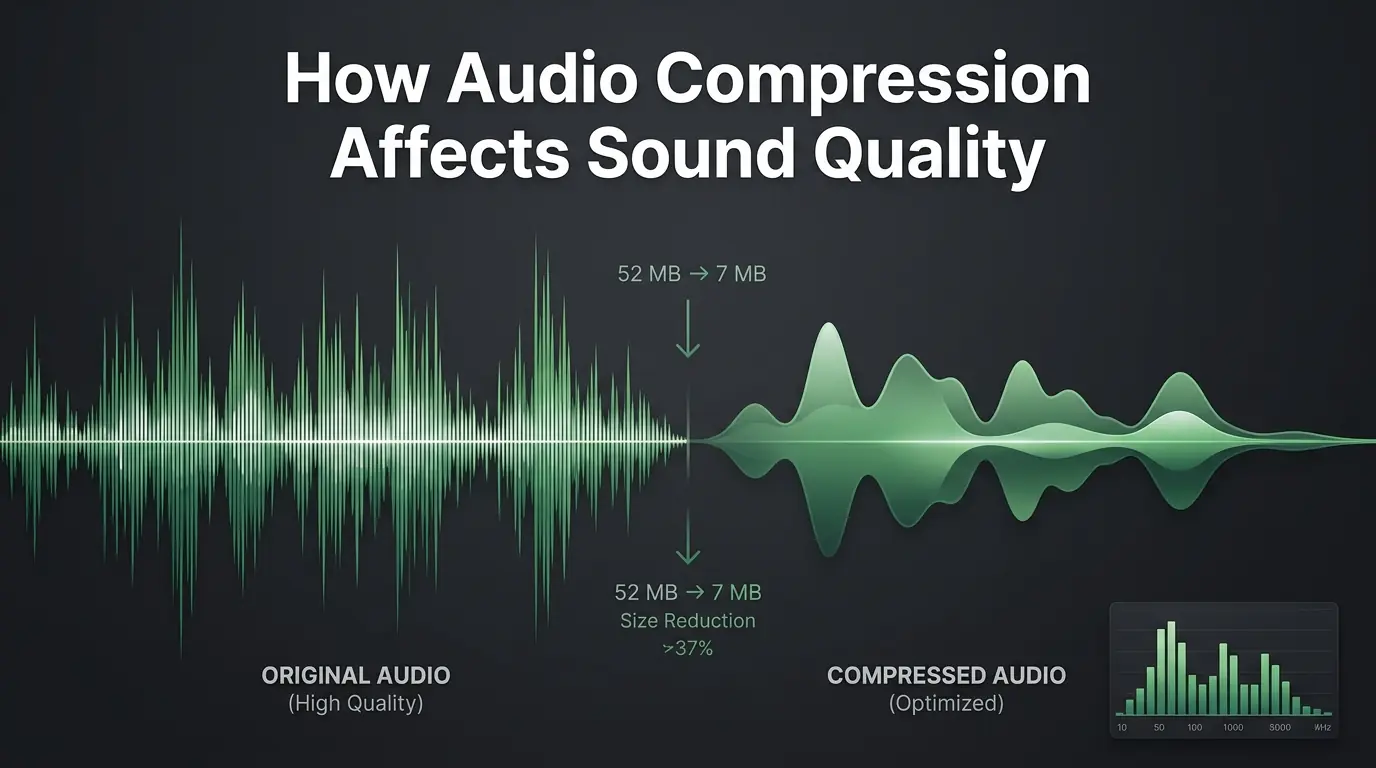
How Audio Compression Affects Sound Quality
Are you worried about ruining your audio? Discover exactly how sound compression affects your files and learn to use an MP3 compressor perfectly.
How to Compress PDF Files Without Losing Quality
Are large documents blocking your emails? Discover why PDF compress matters and how our free PDF compressor reduces file size without losing quality.