Best Ways to Optimize Audio Files for Websites
Learn how to Mp3 optimize your sound tracks for faster website speeds. Discover simple ways to keep your audio clear and your site visitors happy.
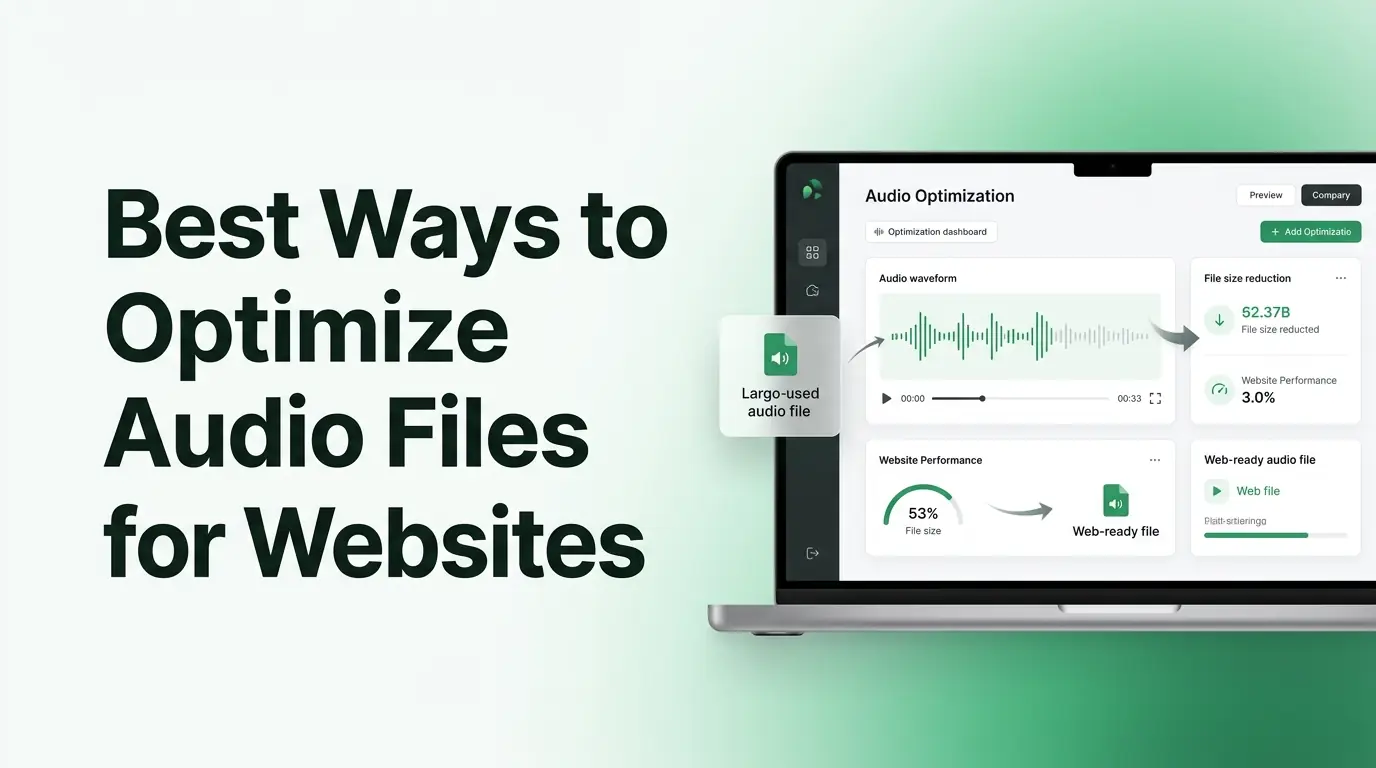
Imagine spending several hours recording the perfect interview for your business blog. You carefully edit out every single mistake. You add beautiful background music to make it sound highly professional. You finally upload the file to your website, feeling incredibly proud of your hard work. However, a few days later, you check your website statistics and your heart sinks completely. Nobody is listening to your new episode. Even worse, people are visiting your page and leaving almost immediately. What exactly went wrong?
The answer usually hides inside your actual file size. Heavy and totally unoptimized sound files are a complete nightmare for your overall website performance. When a new visitor clicks on your page, their internet browser tries to download that massive recording in the background. If it takes too long to load, your visitor simply gives up and closes the tab. You absolutely need a simple way to fix this technical problem. When you learn how to Mp3 optimize your media, you completely change the game. You can easily keep your website lightning fast and your sound totally professional. Let us dive into the best practical ways to prepare your media files for the internet.
The Hidden Cost of Heavy Audio Files
Before you can truly fix your website speed, you must understand why heavy files cause so much damage. When you record a voice note or a song in a professional studio, the computer captures absolutely everything. It saves the deepest bass notes, the highest pitches, and every tiny detail in between. All of this pure data creates a massive digital footprint. A standard thirty minute podcast episode can easily weigh over one hundred megabytes if you do not compress it first.
If you place a file that heavy directly onto your homepage, your website comes to a complete halt. Search engines like Google care deeply about the user experience. They constantly measure how fast your web pages load for normal people. If Google notices that your website is dragging because of huge media files, they will penalize your business. They will push your website far down the search results, making it totally impossible for new customers to find you.
Furthermore, a slow website destroys your personal relationship with your audience. Modern internet users have zero patience for a loading screen. If your audio player spins and buffers for twenty seconds, the visitor will leave and find another blog to read. Your incredible content never gets heard simply because the delivery system is broken. Taking the time to control your file sizes is the ultimate secret to building a loyal online audience.
What Does It Actually Mean to Mp3 Optimize?
The concept of shrinking a digital file sounds somewhat like magic to a beginner. You might worry that making the file smaller will completely destroy your beautiful voice. Fortunately, modern technology is incredibly smart. To understand how optimization works, you can think about packing a suitcase for a long summer vacation.
If you throw absolutely everything you own into the suitcase, it becomes far too heavy to carry through the airport. A smart packer opens the suitcase and takes out the heavy winter coats they will never actually wear on the beach. Audio optimization software works exactly like that smart packer. The software scans your entire music track from start to finish. It actively looks for tiny frequencies and hidden background sounds that human ears cannot naturally hear.
Since your human brain cannot process those invisible sounds anyway, the software safely throws that useless data away forever. The core sound that you actually care about remains perfectly intact. Your voice stays warm and natural. The background guitar stays bright and crisp. The file simply becomes drastically lighter because all the heavy, useless digital weight is gone.
Choosing the Perfect Settings for Your Content
When you start managing your digital projects, you will frequently hear the word bitrate. Bitrate is just a technical term that describes how much digital data plays every single second. A very high bitrate gives you perfect studio quality but a massive file weight. A low bitrate gives you a tiny file, but the sound quality might drop slightly. The absolute best way to optimize your media is to find the perfect middle ground for your specific project.
Not every single recording needs the exact same settings. If you run a podcast that features only people talking, you actually need very little data to make the voices sound clear. Human speech is a very simple sound. On the other hand, if you are a local music teacher uploading a complex piano symphony to your blog, you will need a higher bitrate to capture the rich musical notes.
Matching your settings to your specific content saves you massive amounts of expensive server space. It ensures your visitors always get the perfect listening experience without wasting their mobile internet data.
A Simple Guide to Bitrate Choices
To make your daily workflow as easy as possible, you can use this simple comparison guide. It will help you choose the exact right setting for your specific daily project.
| Digital Bitrate Setting | Sound Quality Level | Perfect Use Case |
|---|---|---|
| 64 kbps | Very Low | Quick internal voice memos and old audiobooks |
| 128 kbps | Good | Standard spoken podcasts and simple interviews |
| 192 kbps | Very Good | High quality radio shows and basic music tracks |
| 320 kbps | Excellent | Professional music releases and rich sound design |
Why You Absolutely Need a Dedicated Tool
You might wonder if you need expensive professional studio software to achieve these great results. The wonderful news is that you do not need to spend any money at all. Using a dedicated MP3 Compressor is the fastest and easiest way to handle this daily chore. You do not have to learn confusing technical menus or study sound engineering.
A reliable web based platform does all the heavy lifting entirely in the background. It automatically calculates the best balance between a small file size and clear sound. This saves you hours of frustrating trial and error. Instead of guessing which settings to use, you just let the smart software handle the complicated mathematics.
This totally automated process is why we built multicompressor.com for digital creators. We wanted to give busy business owners a completely free and totally safe way to manage their files. You can drag and drop your media, click a button, and get a perfectly optimized track back in seconds. It completely removes the technical stress from your busy day.
The Core Benefits of Managing Your Media
Building a daily habit of optimizing your files brings massive rewards to your online business. It might seem like a tiny extra step, but the long term benefits are absolutely incredible for your overall growth.
- Your website pages will load almost instantly for every single visitor.
- You will completely avoid expensive premium hosting fees from your podcast platform.
- Your Google search engine rankings will naturally improve due to faster loading speeds.
- You will bypass strict email attachment limits when sending files to private clients.
- Your mobile listeners will save their valuable cellular data while enjoying your content.
- Your computer hard drive will retain massive amounts of free storage space.
MP3 Compress Guides
We know that dealing with technical tools can feel overwhelming for beginners. You might be worried about making a silly mistake or clicking the wrong button. That is exactly why our platform at multicompressor.com is designed specifically for everyday people. You can easily shrink your heavy media without needing any special technical skills whatsoever. Just follow this exact process to get your files ready for your website today.
- Upload your heavy track on the Home page or the MP3 compressor page upload area.
- After the upload finishes, simply select your desired output format from the simple menu.
- Click the bright button to compress your file automatically.
- Then wait some seconds and download your brand new lightweight track directly to your computer.
Understanding the Needs of Mobile Visitors
When you are preparing media for the internet, you must always think deeply about the actual human beings on the other side of the screen. Today, the vast majority of your audience will never visit your website from a large desktop computer. They are browsing your blog from their personal mobile phones. They are sitting on a crowded public bus, walking through a busy grocery store, or driving in their cars.
Mobile visitors face very specific daily challenges. They frequently deal with weak cellular towers and heavily restricted monthly internet data plans. If you force a mobile visitor to download a giant eighty megabyte file just to hear a three minute update, their phone will definitely struggle. The audio player will stall completely. The download will aggressively eat up their expensive data plan, leaving them very frustrated with your brand.
When you take the quick time to Mp3 file format optimize your media, you show tremendous respect for your loyal mobile audience. A lightweight track opens instantly on any phone network, regardless of where the listener happens to be. It streams smoothly without any annoying digital hiccups or pauses. Creating this totally seamless and highly respectful experience builds a very loyal audience for your growing business.
Strictly Protecting Your Original Master Files
One of the most important habits you can possibly develop as a creator is strictly protecting your original recordings. When you finish recording a track in your studio, that heavy file is your perfect master blueprint. It contains all the rich, beautiful data you captured naturally. You must keep this important blueprint totally safe from harm.
The absolute golden rule of digital media is that you should never compress your only copy of a file. When you shrink a track, the software permanently throws away the invisible data. Once that hidden data is deleted, you cannot ever get it back. If you only have one copy and you accidentally squeeze it too hard, your hard work is ruined forever.
Always store your heavy original master files safely on a backup external hard drive or a secure private cloud server. Then, make a separate fresh copy of that track on your desktop. Use your optimization software only on the copy, not the original version. This smart daily habit gives you total peace of mind. If you ever make a silly mistake during the compression process, you do not have to panic at all. You can just delete the bad copy and start completely fresh from your secure master file.
Spotting the Signs of Over Compression
Even with the absolute best software available, it is possible to push things too far. If you become totally obsessed with getting the smallest file size possible, you might drop the quality settings entirely too low. When you try to shrink a file too aggressively, the software runs out of invisible sounds to throw away. It is forced to start throwing away highly important parts of your actual voice.
You want to catch these major digital audio issues before you ever publish your work online. Your loyal audience deserves clear and pleasant sound every single time they visit your website. There are a few very obvious warning signs that you squeezed your track too hard.
First, listen closely to the human voices on the recording. If they suddenly sound like a cheap robot or sound exactly like they are trapped underwater, you went too far. Second, pay attention to sharp spoken sounds like the letter S or the letter T. If those letters become very harsh and highly annoying to your ears, the quality is broken. Finally, if you hear strange digital swirling noises hiding quietly in the background, your file is completely over compressed. If you hear any of these specific problems, simply go back to your safe original file and try again using a much higher setting.
Testing Your Files Before Publishing
After you finish optimizing your track, you should always test it thoroughly before sharing it with the outside world. Do not just look at the smaller file size on your computer screen and instantly assume everything is totally perfect. You must actively listen to the final result with your own human ears to guarantee success.
Put on a standard pair of headphones and close your eyes. Listen to the very first minute of your new lightweight track. Pay very close attention to the natural sound of your spoken words. Are they perfectly clear and totally easy to understand? Then, listen to a small section of the background music if you added any. Ensure the instruments sound bright and perfectly balanced with the voices.
Finally, test the new track on a regular smartphone speaker if possible. Smartphone speakers are quite small and naturally weak. If your optimized file sounds wonderful on a cheap phone speaker, you can fully trust that it will sound amazing everywhere else. Taking two quick minutes to perform this very simple manual test prevents highly embarrassing technical mistakes on your professional website.
5 Frequently Asked Questions
1. What does it actually mean to Mp3 optimize a file?
Optimizing a file means using smart software to safely remove useless, invisible sound data from your recording. The software targets the specific tiny frequencies that human ears cannot naturally hear anyway. By permanently throwing this useless data away, the physical weight of the file shrinks drastically while your core sound remains perfectly clear and fully intact.
2. Will making my files smaller completely ruin the sound quality?
No, it absolutely will not ruin your sound if you use the proper settings. A high quality digital tool specifically protects the warm, natural sounds that matter most. As long as you choose a balanced middle setting like 128 kbps for standard spoken voices, your listeners will never even notice a difference in the overall quality. The track will simply load much faster.
3. Do I need to pay for expensive software to do this?
You absolutely do not need to spend any money to manage your digital media properly. You can use a trusted online platform like multicompressor.com totally for free. Our secure website provides professional level optimization completely in your internet browser without requiring any hidden monthly subscriptions or annoying software downloads.
4. Should I always delete my original file after compressing it?
You must never delete your heavy original studio files under any circumstances. Your original heavy recording serves as your perfect master copy. Always keep your heavy originals safely backed up on a secure cloud server or a separate computer drive. You should only upload the newly created lightweight copies to your active business website or blog.
5. Why does my compressed podcast suddenly sound like a robot?
If your voice suddenly sounds heavily robotic, terribly garbled, or completely muddy, you definitely squeezed the digital file way too hard. This specific digital problem happens when you choose a bitrate that is far too low. Simply delete that bad copy, go safely back to your heavy master file, and run the process again with a much higher quality setting.
Final Thoughts on Faster Websites
Creating a fast, highly professional website does not have to be a deeply frustrating technical chore. You do not need a computer science degree to understand how media files affect your overall online success. Every single time you take a brief moment to Mp3 optimize a heavy recording, you are doing a massive favor for your loyal audience and your own growing business.
Your web pages will instantly load much faster, keeping your busy readers deeply engaged with your brand. Your business emails will slide perfectly into client inboxes without returning annoying error messages. Your loyal mobile listeners will happily save their precious cellular data while thoroughly enjoying your beautiful content on the go.
Embrace the amazing power of simple digital tools today. Protect your heavy master files safely on a backup drive, choose the proper settings for your specific project, and test your final copies closely before you publish them online. With these very simple daily habits, you will completely eliminate technical stress and always deliver a perfectly polished listening experience to the entire world.
Related Articles
How to Compress Audio Files Without Losing Sound Quality
Are massive sound recordings slowing you down? Learn how to compress audio file data easily without losing quality using a trusted MP3 compressor.
Beginner's Guide to Audio Compression and Bitrates
Are heavy recordings slowing your site down? Learn how bitrates work and use a trusted MP3 compressor to shrink your audio files safely right now.
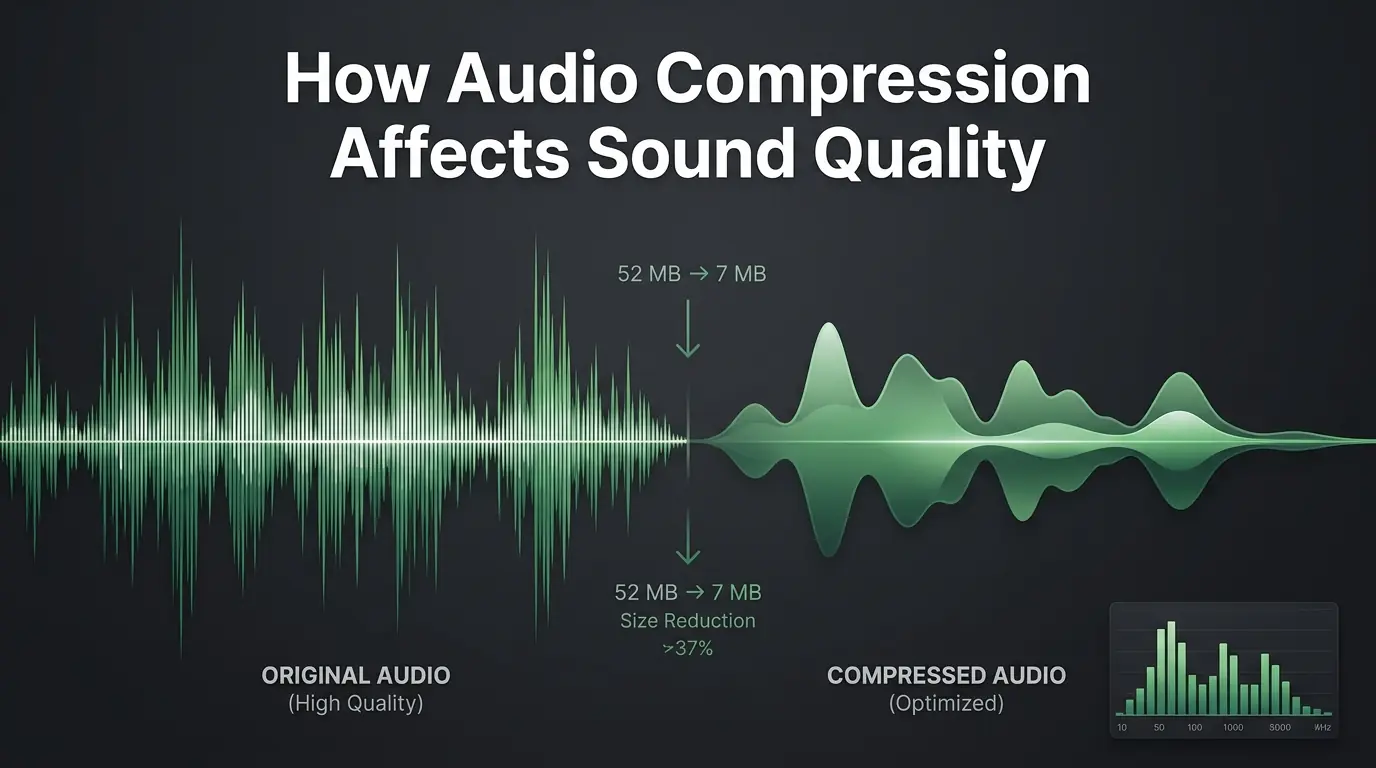
How Audio Compression Affects Sound Quality
Are you worried about ruining your audio? Discover exactly how sound compression affects your files and learn to use an MP3 compressor perfectly.