Best JPG Image Compressor Tool 2026
Speed up your website today with our free JPG image compressor. Easily reduce large photo file sizes without losing quality at multicompressor.com.
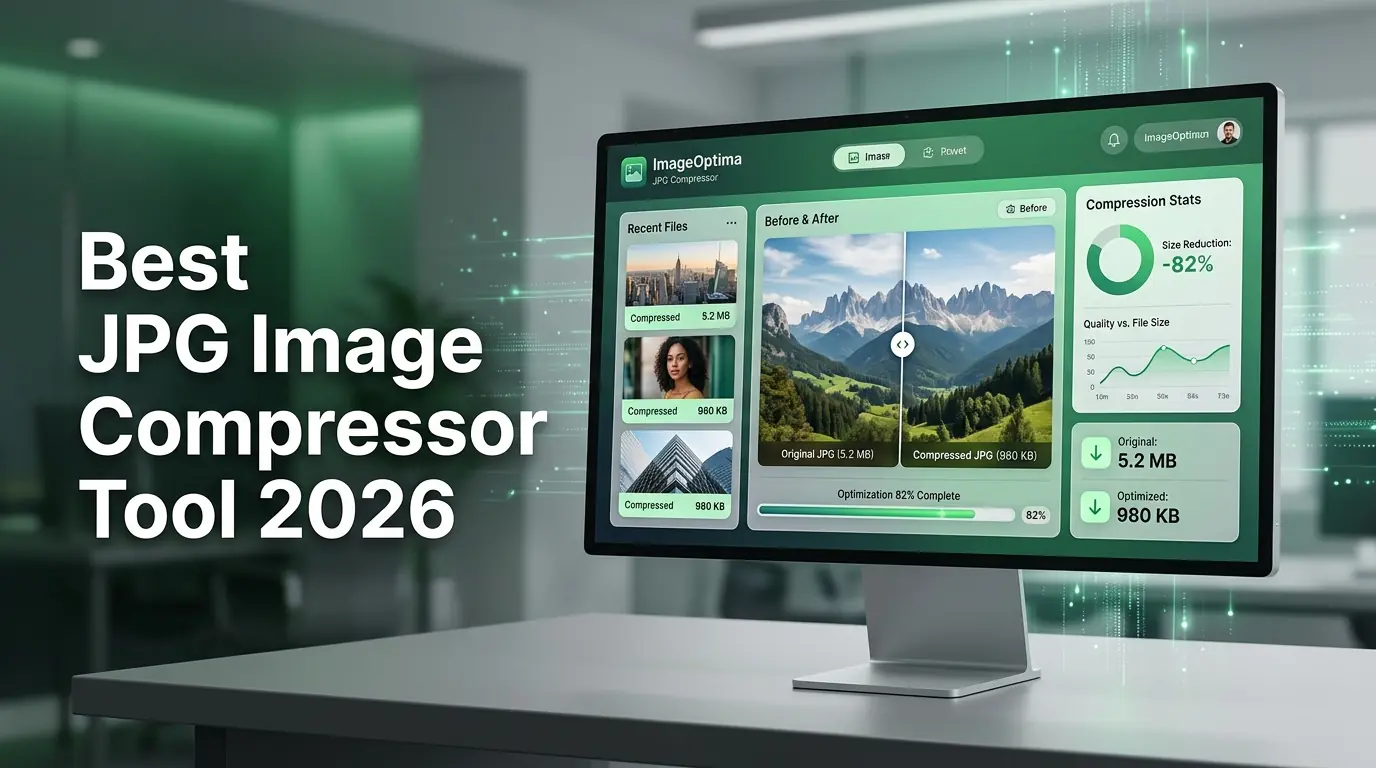
Have you ever tried to upload a beautiful photo to your website, only to watch the loading screen spin forever? It is a frustrating feeling. We have all been there. Huge image files slow down your pages, annoy your visitors, and hurt your search engine rankings.
Fortunately, there is a simple fix for this headache. You can compress images online in just a few clicks. By using a reliable tool like multicompressor.com, you can make your files much smaller while keeping them looking sharp and crisp. Let us dive into why image compression is a game changer for bloggers, business owners, and beginners alike.
Why Big Images Hurt Your Online Success
When you take a photo with your smartphone or a digital camera, the file is usually packed with a massive amount of data. This data makes the image high in quality, but it also makes the file size huge. A single uncompressed photo can easily be five to ten megabytes.
If your website contains several of these heavy images, your pages will load at a snail's pace. Real people will not wait around for a slow site to load. They will click away and find another option. In fact, search engines like Google openly penalize slow websites. If you want people to find your blog or business online, keeping your image sizes small is not optional. It is completely necessary.
Understanding How Image Compression Works
You might worry that shrinking a file means ruining the picture. That is a very common misunderstanding. Modern online tools use smart technology to remove hidden details that the human eye cannot even notice.
Our tool handles this process seamlessly. The system scans the image and trims away repetitive color data and invisible metadata. This lowers the file size dramatically. When you use our JPG image compressor, your viewers will still see a beautiful, clear picture. The only real difference is that the file will load instantly on screens of all sizes.
The Main Benefits of Shinking Your Files
Taking a few seconds to run your pictures through an optimizer brings huge rewards. Here is what you gain when you build this step into your regular workflow.
- Faster Load Times: Your web pages will open in the blink of an eye, keeping your visitors happy and engaged.
- Better SEO Rankings: Google loves fast sites. Smaller images give your pages a massive boost in search results.
- Saved Storage Space: You will use far less server space on your hosting account, which can save you a lot of money.
- Lower Bandwidth Usage: Your visitors will consume less mobile data when they browse your articles on their smartphones.
- Higher Conversion Rates: When a business site loads quickly, customers are much more likely to stay and make a purchase.
Choosing the Right Format for Your Needs
Not all image files are created equal. Different formats serve different purposes on the web. It helps to understand which type of file you are working with before you begin optimizing.
| Image Format | Best Used For | Transparency Support | Compression Style |
|---|---|---|---|
| JPG / JPEG | Photographs and complex colorful images | No | Lossy but highly efficient |
| PNG | Logos, graphics, and images with text | Yes | Lossless but larger file size |
| WebP | Modern web graphics and next-gen photos | Yes | Superior modern compression |
As you can see, the classic JPG format is still the king for standard photographs. It offers the best balance between small file size and good visual quality.
How to Use Multicompressor.com
We designed our platform to be as straightforward as possible. You do not need any technical skills or expensive design software to get started. Just follow these simple steps to optimize your media files today.
First, open your favorite web browser and head over to multicompressor.com. Once the homepage loads, you will see a large, friendly upload box right in the middle of your screen.
Next, click on the upload button or simply drag and drop your heavy JPG pictures directly into the box. You can even upload multiple files at the exact same time to save extra effort.
Then, let our tool work its magic. The system will process your files automatically within a few brief seconds. You will see a progress bar show you exactly how much data you saved.
Finally, click the download button to save your newly optimized images back to your computer or phone. They are now perfectly ready to be uploaded to your website, blog, or social media pages.
5 Frequently Asked Questions
1. Does compressing an image reduce its dimensions?
No, it does not. Compressing an image only reduces the weight of the file in kilobytes or megabytes. Your image will keep its original width and height in pixels unless you specifically choose a separate resizing tool to change the dimensions.
2. Is it safe to upload my private photos to this website?
Security is a top priority for us. When you upload your pictures to our platform, your files are completely safe. We protect your privacy by automatically deleting all uploaded images from our secure servers after a short period. Your pictures are never shared or stored permanently.
3. How many times can I use the free tool?
You can use our online compressor as many times as you like. There are absolutely no hidden daily limits or restrictions on the number of times you can optimize your files. We want to help you keep your website running fast all day long.
4. Will I lose noticeable quality when using a JPG image compressor?
You will not see a visible difference in standard viewing conditions. The tool targets data that your eyes cannot easily distinguish. Your photos will still look beautiful and professional on computer monitors, tablets, and mobile screens.
5. Can I compress multiple images at the same time?
Yes, our platform fully supports batch processing. You can select a whole group of photos and upload them together. The system will compress every single one of them in a row, allowing you to download them all with minimal effort.
Wrapping Things Up
Keeping a website fast and user-friendly does not have to be a complicated task. Managing your image sizes is one of the easiest ways to improve your site performance and make your readers happy.
By utilizing a free tool like multicompressor.com, you can instantly optimize your photos without spending a penny on expensive editing software. Give our JPG image compressor a try today. You will love how much faster your pages load, and your audience will thank you for the smooth experience.
Related Articles
How to Compress Photos Before Uploading to Social Media
Stop platforms from ruining your picture quality. Learn how to compress photos easily before uploading and keep your images looking perfectly sharp.
How to Optimize Images for E-Commerce Product Pages
Learn how to optimize images for your e-commerce product pages. Boost your page speed, improve user SEO rankings, and increase your online sales today.
How to Compress Images for Faster Website Loading
Learn how to use an online image compressor to speed up your website. Reduce your bounce rates, boost mobile performance, and improve your search rankings.